Help centre › Smart Capture
Smart Capture
For the post that still arrives on paper. Upload a supplier invoice, a delivery note or a customer’s own order form, check what it says, and file it against the record it belongs to.
What it’s for
- Supplier documents — invoices and delivery notes — are attached to the purchase order they belong to.
- A customer’s order can be turned into a sales order, with what you keyed carried across.
Nothing is filed until a person has checked the figures against the scan beside them. Anything that couldn’t be read with confidence is left blank for you to fill in, never guessed.
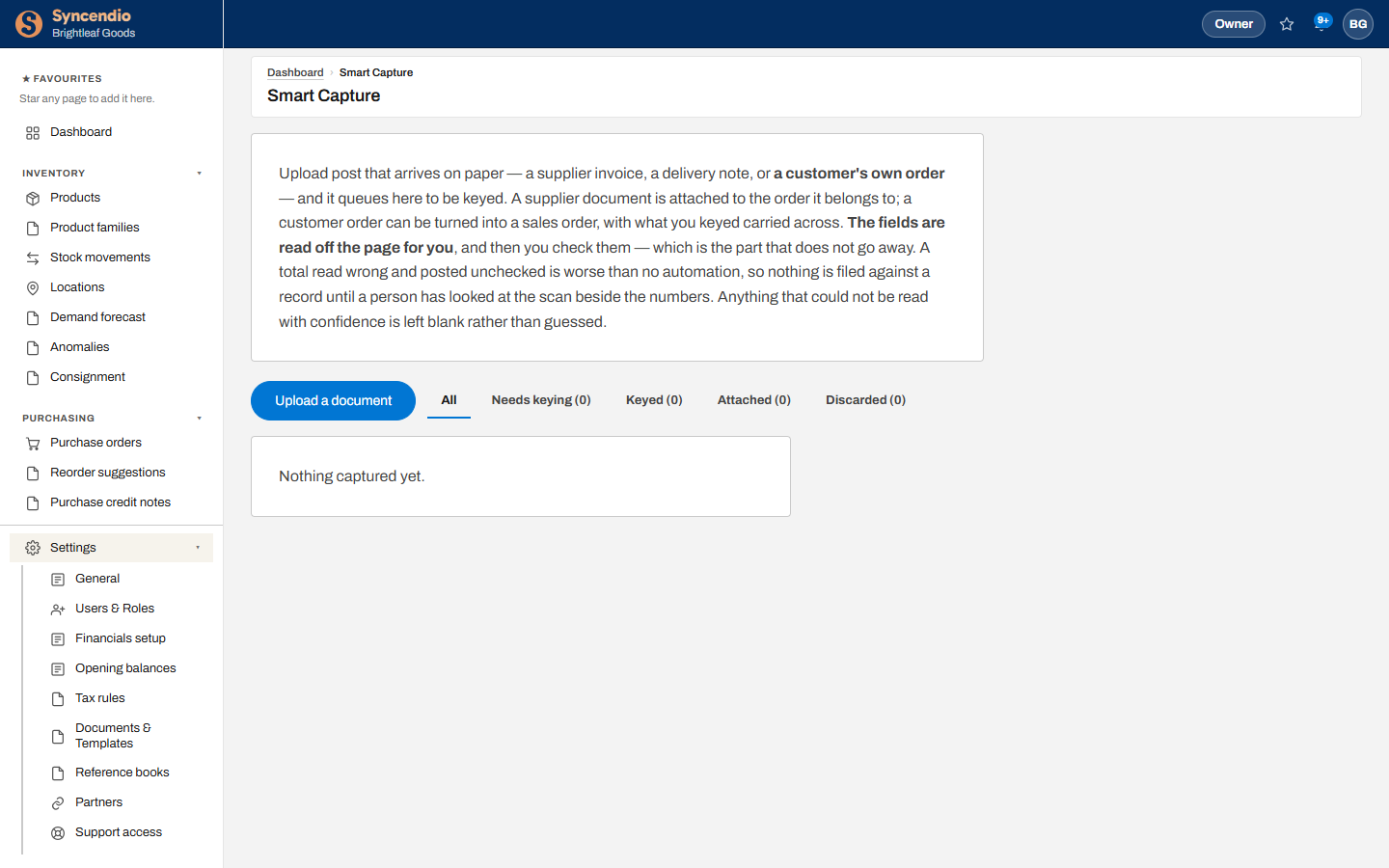
Upload a document
- Open Smart Capture and click Upload a document.
- Choose a PDF or a photo of the page. It joins the queue under Needs keying.
- Open it. Check or enter the supplier or customer, the reference, the lines and the totals, comparing each with the scan.
- Attach it to its purchase order, or create a sales order from it.
Your plan includes a number of captured documents each month. See how many you’ve used under Settings → Plan & usage.
The queue
| Tab | Means |
|---|---|
| Needs keying | Uploaded, waiting for someone to check it |
| Keyed | Checked, not yet filed against a record |
| Attached | Filed against its order — done |
| Discarded | Not needed: a duplicate, or the wrong document |