B2B Portal
A storefront with your name on it, where wholesale customers sign in and order for themselves — at their own prices, against your live stock.
Turn it on
The B2B storefront is included in the Growth and Pro plans. On Starter or Standard, add it for $49 a month from Settings → Add-ons, or open Integrations → B2B Portal and click Add.
Storefront settings
On Integrations → B2B Portal, click Edit on Storefront settings to set the store’s name, whether it’s open, a minimum order value, and whether customers can see stock levels.
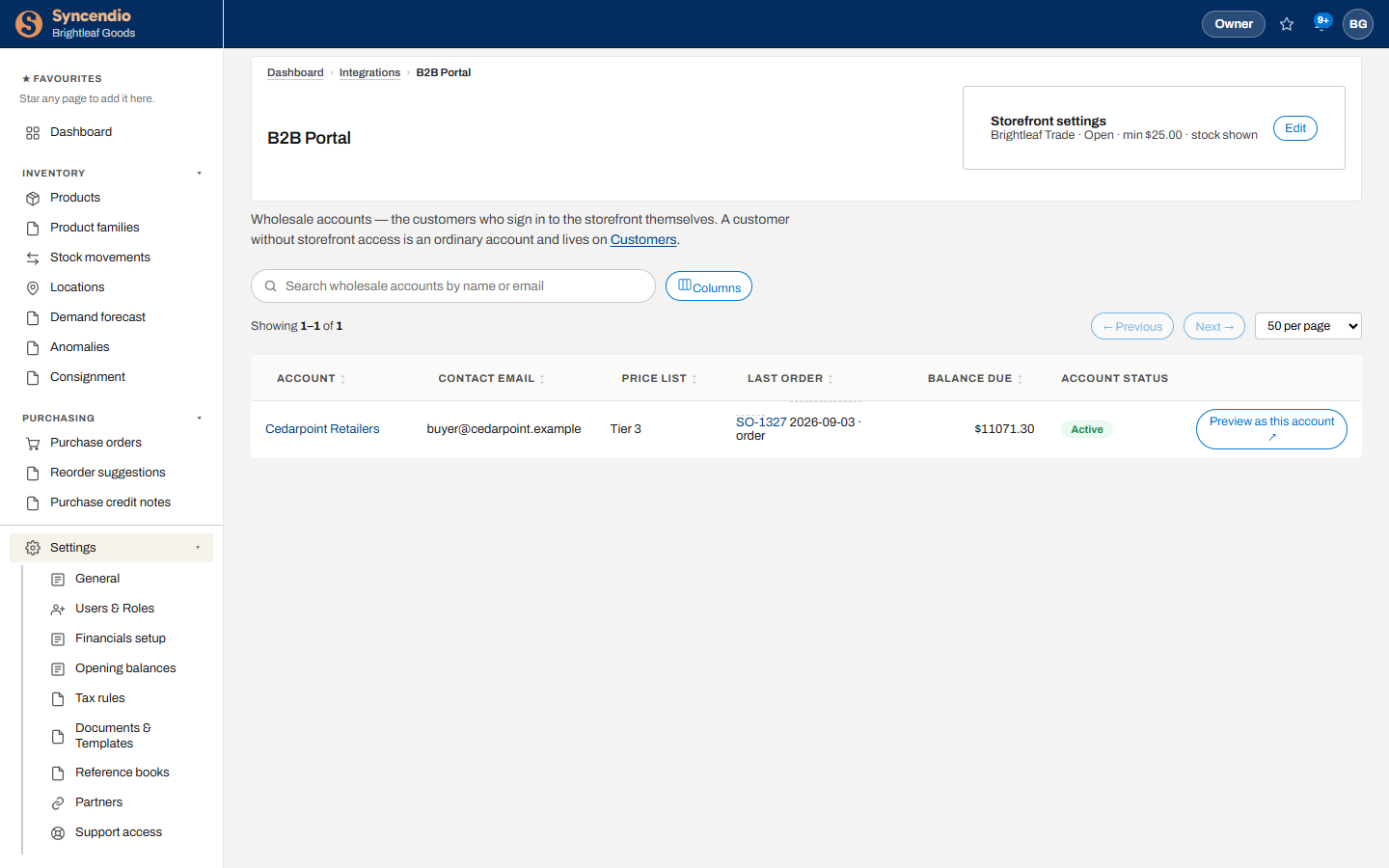
Wholesale accounts
A wholesale account is a customer who can sign in to the storefront. Customers without storefront access stay under Customers as ordinary accounts.
- Open the customer and give them storefront access with a contact email.
- Set their price list — the tier of prices they see and pay.
- They receive an email to set their own password and sign in.
The list shows each account’s price list, last order, balance due and status.
Preview as a customer
Click Preview as this account ↗ to open the storefront exactly as that customer sees it — their prices, their catalogue. The preview is read-only: you can look around, but nothing can be ordered or changed.
Orders from the portal
An order placed on the storefront arrives as an ordinary sales order under Sales → Sales orders, ready to pick, pack, ship and invoice like any other (see Sales).