Warehouse scanner
A separate app built for a handheld rather than a desk. It works on the same live stock as Syncendio, so a delivery scanned at the dock is on the purchase order before the box reaches the shelf.
Turn it on
The warehouse scanner is included on every plan. Open Integrations → WMS to get the address staff sign in to on their phones.
Open the scanner
- Open Integrations → WMS.
- Click Open scanner ↗. It opens in a new tab, already signed in as you.
- On a handheld, sign in with your own Syncendio account and add the page to the home screen.
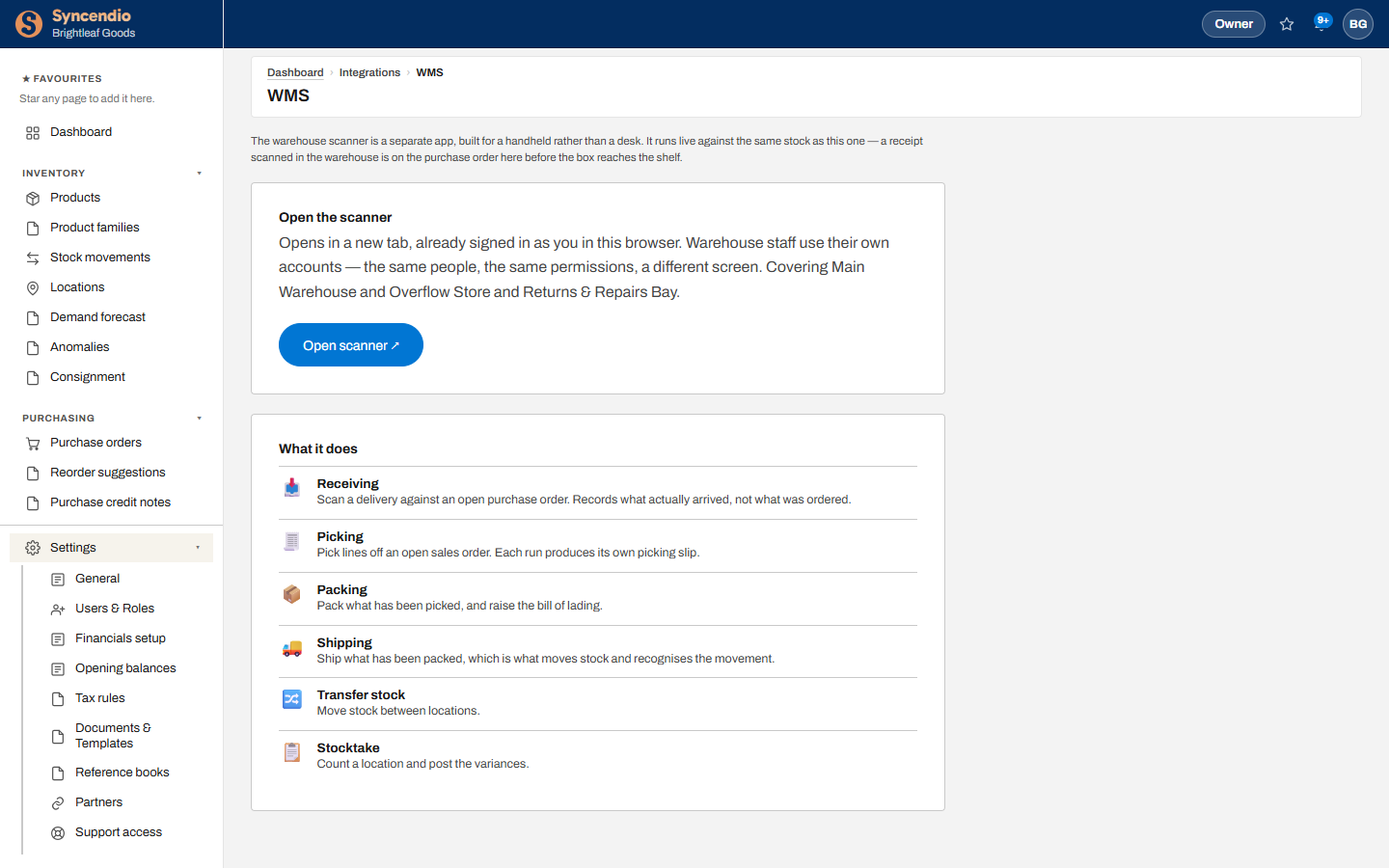
What staff can do
| Job | What happens |
|---|---|
| Receiving | Scan a delivery against an open purchase order — records what actually arrived |
| Picking | Pick lines off an open sales order; each run makes its own picking slip |
| Packing | Pack what has been picked, raise the bill of lading and email it to the carrier |
| Shipping | Ship what has been packed — this moves the stock. The bill of lading is here too |
| Transfer stock | Move stock between locations |
| Stocktake | Count a location and post the differences |
Bill of lading and emailing the carrier
The paperwork for the driver can be done at the dock, on the scanner, without going back to a desk.
- Open Packing or Shipping and choose the order. Bill of lading is below the lines.
- Tap + New bill of lading, choose the Carrier, and enter the Pallets, Cartons, Freight charges and any Special instructions. Weight and hazardous materials come from the product profiles.
- Tap Raise bill of lading. The number is assigned by the system.
- Tap Open PDF to show or print it, or Email carrier to send the PDF. The carrier’s email address is filled in from Reference books → Carriers; type a different one to override it.
It’s the same document as the sales order’s Pack tab. A bill of lading raised on the scanner shows on the order in Syncendio, and the other way round. Each one records whether it was emailed, to whom and when — or why the last attempt failed.
Raising and emailing needs full access to Inventory or Sales. Voiding a bill of lading is done in Syncendio by someone with full Sales access.
Who can use it
Warehouse staff use their own accounts — the same people and the same permissions as in Syncendio, on a different screen. Give them a role with Fulfilment access under Settings → Users & Roles; the built-in Warehouse Staff role is set up for this.