Help centre › Quality inspection
Quality inspection
For products that must be checked before anyone can sell them. Held goods are on hand, costed and in your books — but not available to pick or ship until somebody has looked at them.
Turn it on
Quality inspection is an add-on: $29 a month, included in Pro. An owner switches it on under Settings → Add-ons, and Purchasing → Inspection appears in the menu.
Choose products to hold
- Open Purchasing → Inspection.
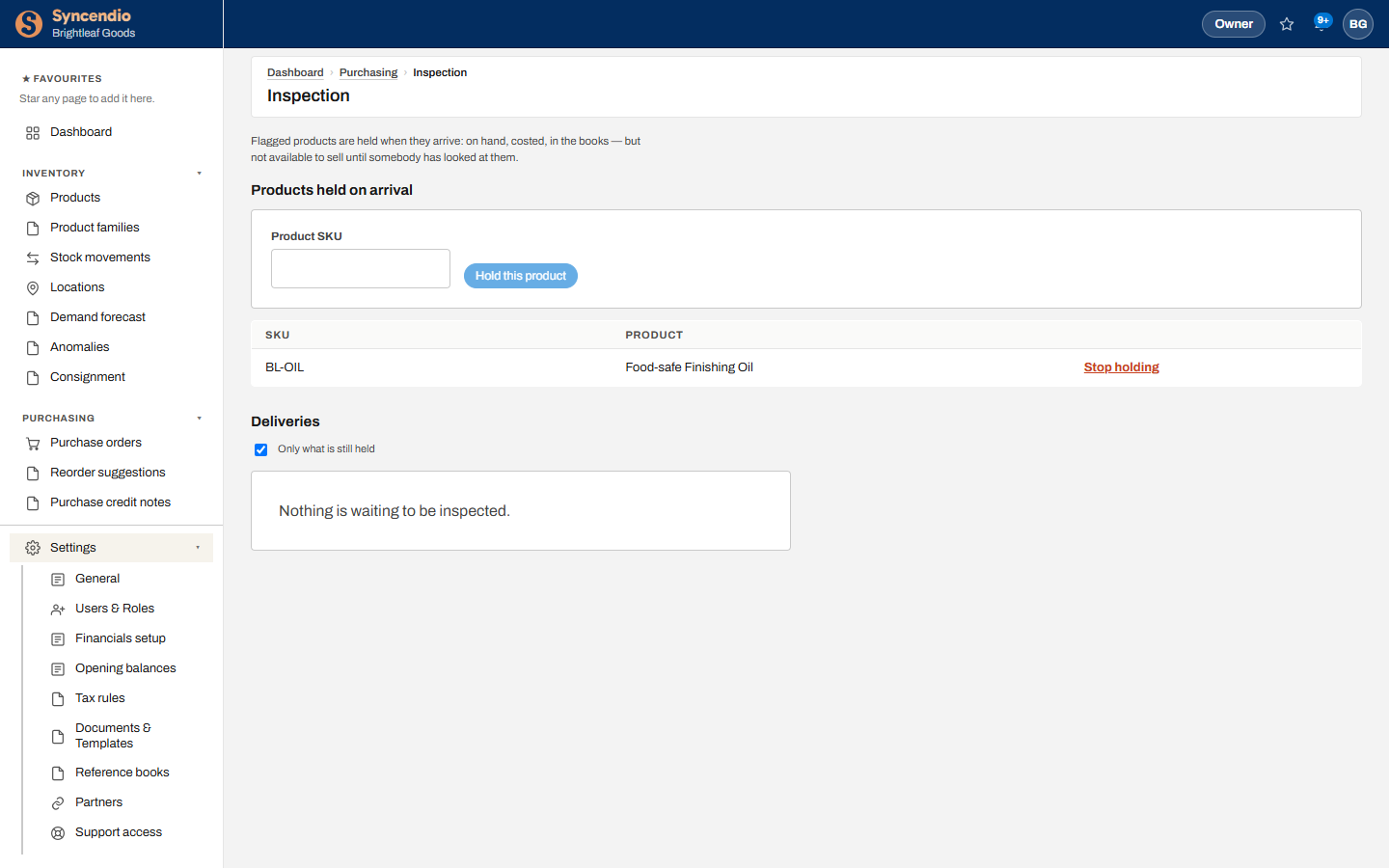
- Under Products held on arrival, type the Product SKU and click Hold this product.
- To stop, click Stop holding. That only affects future deliveries — anything already held stays held until it’s inspected.
When goods arrive
Receive the purchase order exactly as usual (see Receiving). For a held product, the delivery also appears under Deliveries on the Inspection page. Until it’s released, trying to ship or use that stock is refused with a message saying it’s awaiting inspection.
Record the inspection
- Under Deliveries, find the delivery by purchase order and SKU.
- Enter how many pass and how many fail, then click Record. Passed units become available to sell straight away.
- Deal with failed units — write them off in Stock movements or send them back to the supplier — then record them as gone.
A delivery leaves the list once nothing from it is still held. Untick Only what is still held to see finished ones.
The rules
- You can’t pass or fail more than arrived, or record more as gone than failed.
- Failed units stay held — and unsellable — until they’re recorded as gone.
- Recording units as gone doesn’t move stock by itself; the write-off or supplier return does.
- Viewing needs access to Purchasing; holding products and recording inspections need full access to Purchasing.